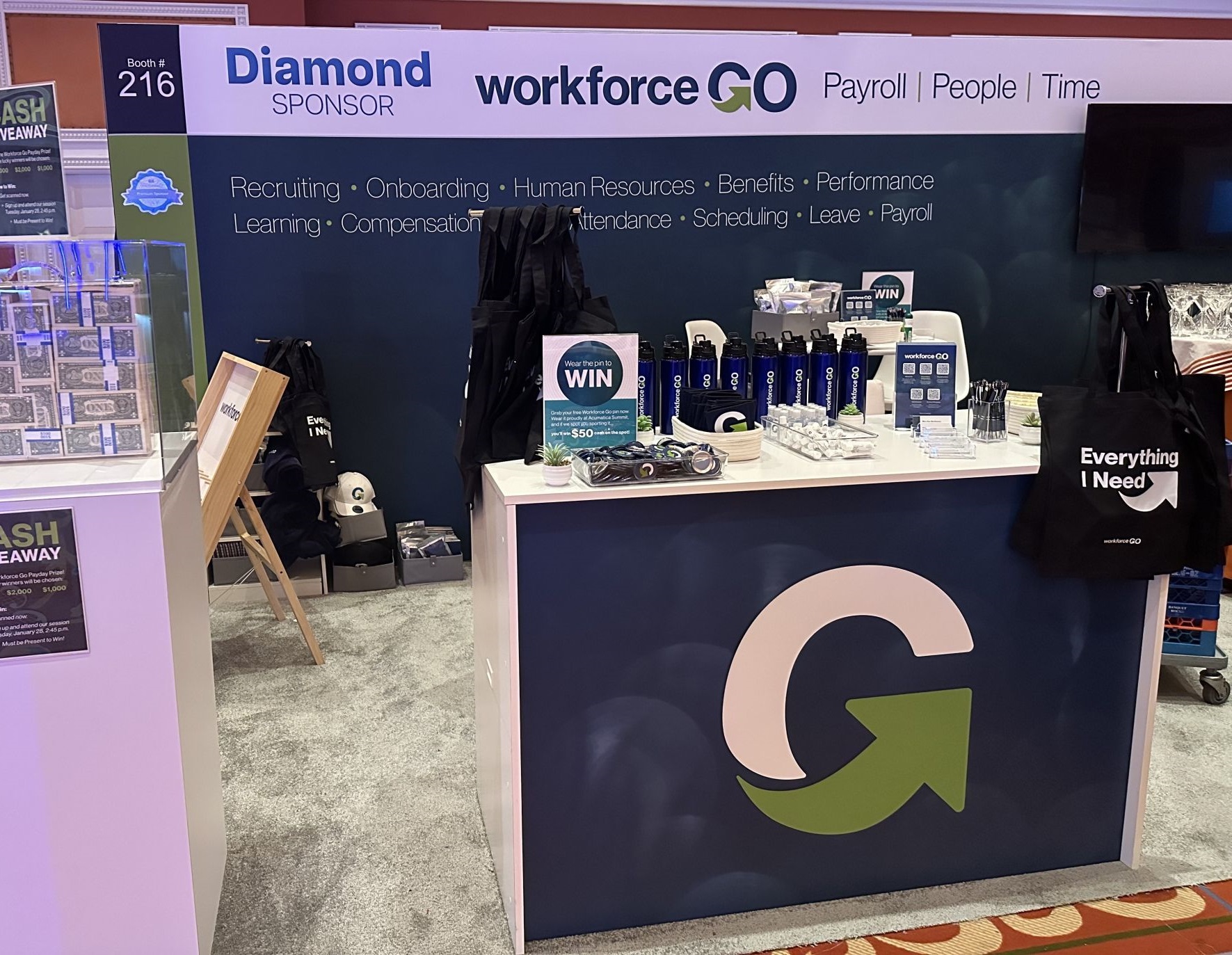




Cloud-based human capital management platform Workforce Go said on Feb. 19 that it has developed a new integration to Sage 100 ERP that not only improves functionality for users now but will also help bridge the gap to native cloud-based systems in the future.
With Workforce Go’s integration, Sage 100 ERP users can access cloud-enabled HR and time and labor management, allowing them to centralize HR data and manage employee time, records, benefits, performance, and compliance all in one place. The integration also supports payroll, allowing Sage 100 clients to use either the Sage 100 module or Workforce Go.

“We have always heard great things about Sage 100 payroll and their integration with certain niche industries, but businesses continued to ask us if we could help them with HR and time. We’re excited to be able to provide that for them now,” Workforce Go CEO Chris Goheen said in a statement.
With this additional cloud-based functionality, Sage 100 ERP users get to save time on duplicate data entry, gain more comprehensive insights, and give employees the benefit of more mobile, self-service features, according to Workplace Go.
“They get improved functionality now, but having all of their payroll, HR, and time data unified in the cloud will also make it easier for them to switch to a native cloud solution if they need to in the future,” Goheen said.
More information about the integration can be found here.
Sign in to get access to this free resource, and all of our whitepapers and reports.

Download this content today!
Register Now Already registered? Click here to Log In
Tags: Accounting, ERP software, Human Resources, Payroll, Sage, Technology, Workforce Go