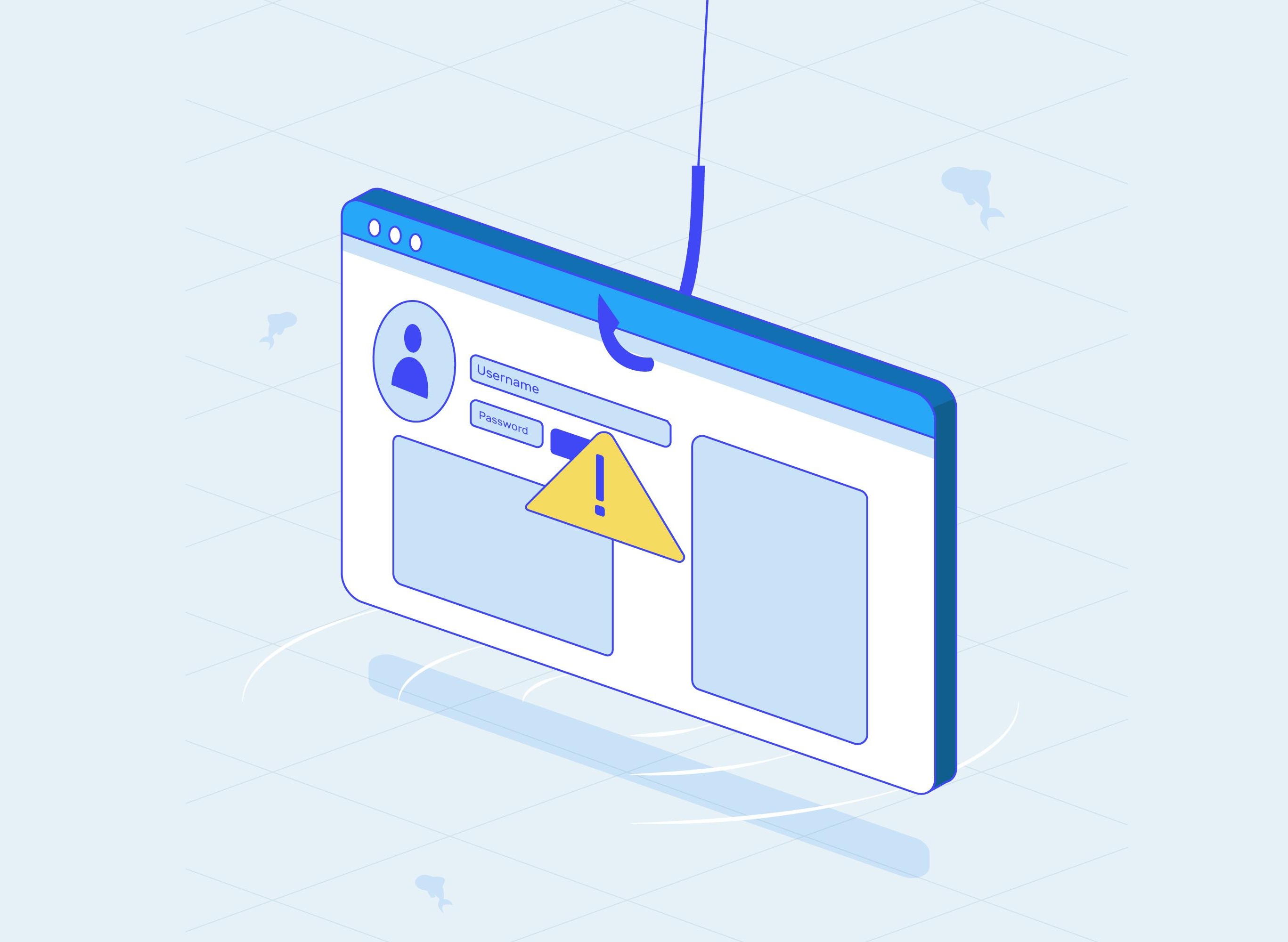




Here’s some terrible advice for your firm: click every link. An email from “the IRS” asking you to update your e-Services account? Click it. A prospective client who sent their tax documents as a zipped file? Open it right away. You have deadlines, after all.
Extension season just closed, and the next filing season is only a few months away. That is exactly the period attackers count on, when staff are tired, inboxes are full, and every request feels urgent. In August 2026, the IRS and its Security Summit partners warned tax professionals to watch for phishing emails and other schemes designed to steal sensitive taxpayer data. The alert highlighted spear phishing, clone phishing, and whaling attacks.
A hypothetical busy-season morning
Picture a six-person CPA firm in February. A new “client” emails asking for help with a late return and attaches a file labeled W-2s and 1099s. A preparer opens it. The file quietly installs remote-access software.
Over the next week, the attacker collects client Social Security numbers and the firm’s EFIN details, then files fraudulent returns in clients’ names. The firm learns about it when clients start calling about rejected returns. The cleanup involves the IRS, state agencies, affected clients, and possibly the firm’s insurer.
Nothing in that scenario required advanced hacking. It required one person to open one attachment on a busy day.
How phishing targets accounting firms
The most effective lures are built around normal firm workflows. Staff should watch for:
- IRS notices delivered by email: The IRS does not initiate contact by email to request credentials or personal information.
- New client scams: These come from senders who pose as potential clients to trick practitioners into opening links or attachments that infect systems and steal client information.
- Client document share links: Fake e-signature or file-sharing notifications lead to lookalike sign-in pages built to capture passwords.
- Clone phishing: A legitimate email the firm received earlier is copied, with the link or attachment swapped for a malicious one.
- Spoofed senders: The display name says a client, partner, or software vendor, but the actual address or domain doesn’t match. Swapped characters, such as rn for m or 0 for o, are common.
- Urgency and authority: Deadlines, penalties, and requests from senior partners are used to push staff into acting before thinking.
Practical steps for firm leaders and IT
- Make reporting the default habit: Staff should forward suspicious emails to the firm’s IT lead or IT provider before clicking, replying, or deleting. One clear reporting path removes hesitation.
- Adopt a no-blame policy: The employee who clicks and reports within five minutes limits the damage. The one who stays quiet out of embarrassment gives the attacker days or weeks. Leadership should say this out loud.
- Verify new clients outside of email: Call prospective clients at an independently confirmed number before opening attachments from them.
- Move document exchange to a secure client portal: Tell clients plainly that the firm will never ask them to send tax documents as email attachments or through an unfamiliar link.
- Protect the firm’s email domain: Configure SPF, DKIM, and DMARC, and move DMARC to an enforcement policy so criminals can’t send convincing email to clients using the firm’s name.
- Run simulated phishing tests before busy season. Use realistic IRS, e-Services, and client-document lures, and follow each test with short, practical training.
- Implement the IRS “Security Six”: These include anti-virus software, firewalls, multifactor authentication, backup services, drive encryption, and virtual private networks.
- Monitor for signs of a compromised mailbox: New forwarding rules, unfamiliar sign-in locations, and unexpected sent messages are early warnings.
- Update the firm’s Written Information Security Plan: The FTC Safeguards Rule expects documented security awareness training and an incident response plan. Include a one-page “I clicked” procedure: reset the password, end active sessions, check mailbox rules, and escalate.
- Know who to call: Tax professionals who become victims should quickly contact their IRS Stakeholder Liaison.
Questions clients may ask your firm
Clients receive these same lures, often disguised as messages from their accountant. Firms that answer these questions clearly build trust and help clients protect themselves.
Q: “I got an email from your firm asking me to upload documents through a link. Was that you?”
A: The firm only collects documents through its secure portal. If a message points somewhere else, the client should forward it to the firm and call the office using a number they already have.
Q: “Can I just email you my W-2?”
A: Email is not a safe place for a Social Security number. A secure portal encrypts files and keeps them out of reach of anyone who compromises an inbox.
Q: “How do you protect my information if someone on your staff gets tricked?”
A: Staff are trained to report suspicious messages immediately, and firm accounts require multifactor authentication, so a stolen password alone isn’t enough to get in.
Q: “I received an IRS email about my refund. Should I respond?”
A: No. The IRS typically starts contact by mail. Clients should not click anything and should bring the message to the firm for review.
Preparation beats recovery
Phishing works because it looks like ordinary work. Firms can’t stop every malicious email from arriving, but they can control what happens next. A team that pauses, verifies, and reports turns a potential breach into a non-event. The weeks before busy season are the best time to build that habit, test it, and make sure every staff member knows exactly where a suspicious email should go.
ABOUT THE AUTHOR:

Scott Carr, owner of Farmhouse Networking in Grants Pass, Oregon, is a veteran Network & Computer Systems Architect with over 30 years of IT experience. For over a decade, he’s led his team in delivering proactive, secure, and fully managed IT services to more than 80 businesses—including accounting and finance firms that rely on data security, compliance, and efficiency. Scott’s hands-on, jargon-free approach ensures every client understands their technology and gains confidence in their systems. His firm is known for fast, responsive support—most issues are resolved within 15 minutes—and deep expertise in cybersecurity, network design, and IT compliance. Learn more about how Farmhouse Networking supports the accounting industry at https://www.farmhousenetworking.com/finance-it-support/.
Photo credit: magnific/Freepik
Sign in to get access to this free resource, and all of our whitepapers and reports.

Download this content today!
Register Now Already registered? Click here to Log In