


Tax professionals can now make certain payments on behalf of their business clients through Tax Pro Account, the IRS announced on Nov. 6.
The new feature allows practitioners to finish more routine client payment tasks through the same secure online tool they use to view client information and manage authorizations. Tax professionals previously could view business clients’ balances and payment activity in Tax Pro Account but couldn’t make a payment on their behalf.
“Expanding online services that enable tax professionals to do more for their clients advances the goal of making the IRS a digital-first agency,” IRS CEO Frank Bisignano said in a statement. “For taxpayers who rely on tax professionals, this change will save time and make it easier for them to meet their tax obligations.”
Through Tax Pro Account, authorized tax professionals can now make the following payments on behalf of business clients:
- Full or partial balance;
- Amended return;
- Extension;
- Proposed tax assessment; and
- Federal tax deposit.
Tax professionals must have the appropriate authorization for the client and tax matters involved, the IRS says.
Recommended Articles

IRS February 9, 2026
IRS Rolls Out New Enhancements to the Tax Pro Account
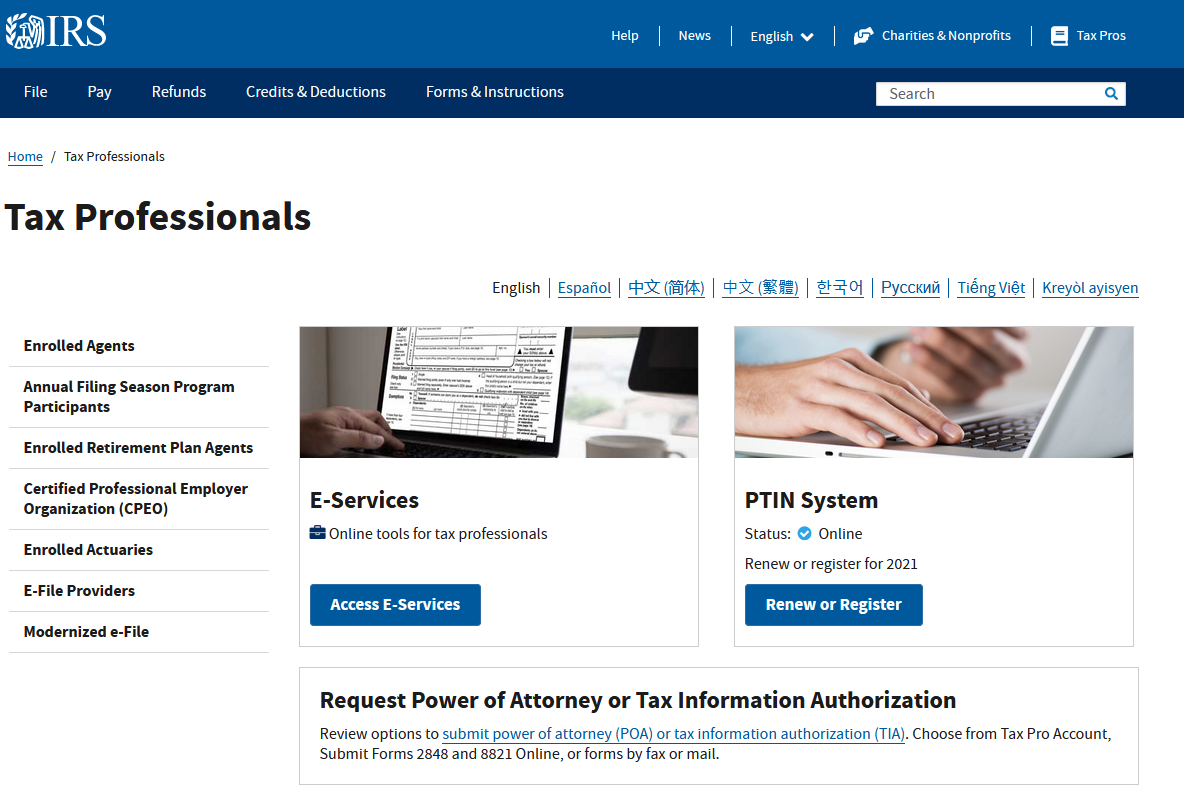
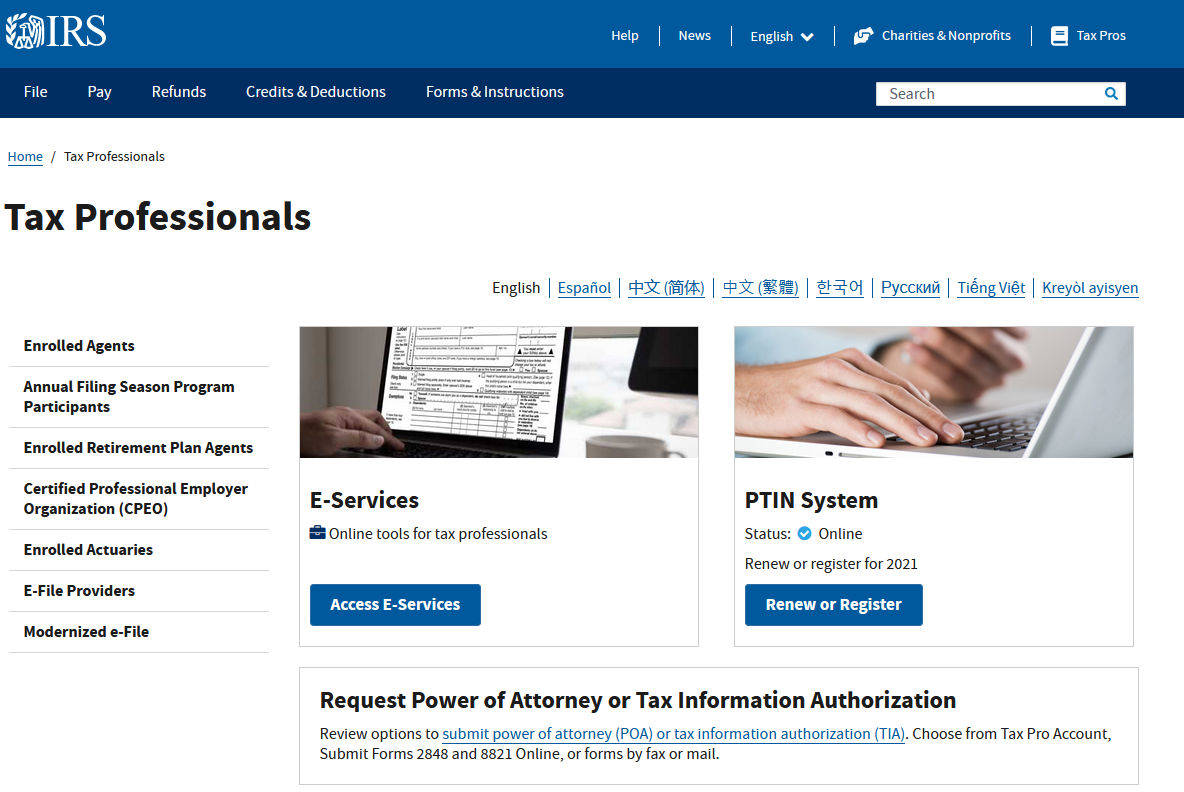
July 21, 2021
IRS Introduces New Tax Pro Accounts
Launched in July 2021, Tax Pro Account provides tax professionals with a secure online service that allows them to:
- Manage authorization relationships with taxpayers.
- Link or request individual Centralized Authorization File numbers and link business CAF numbers.
- View taxpayer information, such as balance due, payment activity, and audit status for individual clients, and balance due and payment activity for business clients.
- Make payments on behalf of individual and business taxpayers.
- Create and revise payment plans on behalf of individual taxpayers.
For more information, visit Tax Pro Account.
Sign in to get access to this free resource, and all of our whitepapers and reports.

Download this content today!
Register Now Already registered? Click here to Log In