
sddefault.jpg_10909487

March 25, 2013

Zero Dollar Check Job Costing in QuickBooks – Using Timesheets, Items, and Clearing Accounts

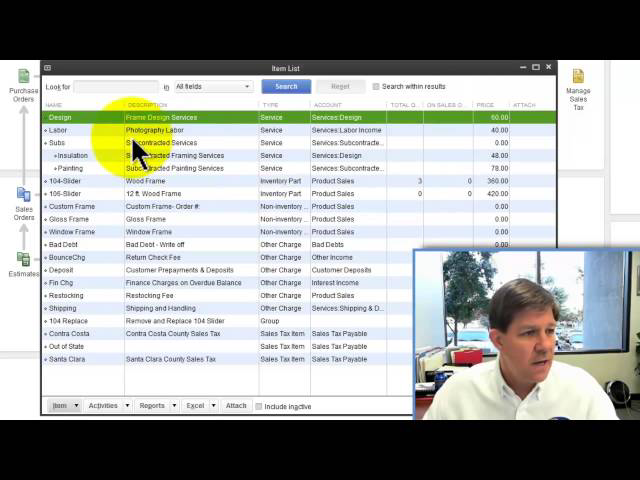
Read the blog post complete with screen shots here: http://www.sleeter.com/blog/2012/10/quickbooks-zero-dollar-checks/ The data file is downloadable http://www.sleeter.com/download/quickbooks-consultant-s-reference-guide-2012 , in 2012 format. One common challenge small businesses have when booking payroll in QuickBooks is in terms of how to job cost your employees; payroll. This video and the blog post linked above show you a really cool trick in QuickBooks that let's you book your payroll in your accustomed manner (using a journal entry to book the total Gross Wages, Payroll Liabilities, and Employer Taxes) and then using timesheets, some two sided items, a couple of clearing accounts, and a little zero dollar check trick you can get your payroll job costed quickly, easily, and fairly painlessly!

Zero Dollar Check Job Costing in QuickBooks – Using Timesheets, Items, and Clearing Accounts

Sign in to get access to this free resource, and all of our whitepapers and reports.

Download this content today!

Register to get free access to this content, as well as newsletters, continuing education, podcasts, and more…

Tags: Software

The CPA’s Guide to Spend Control Advisory

Risk Management April 6, 2026 

The CPA’s Guide to Spend Control Advisory

Your mid-market clients are approving invoices over email, buying without purchase orders, and closing books manually every month. These aren’t just inefficiencies — they’re audit risks, and most CPAs only discover them after the damage is done.

Leave a Reply