2011 Review of Intuit, Inc. — QuickBooks Accountant 2011


Intuit, Inc. — QuickBooks Accountant 2011
800-267-8379
www.accountant.intuit.com

Best Fit: Firms whose clients mostly use QuickBooks and who provide general write-up and reconciliation work.

From the Sept. 2011 Review of Client Write-Up Systems

QuickBooks has grown into the most popular small business accounting system on the market and is the most widely used system by professional accountants who provide services to those small businesses. Intuit has long been the standard-bearer for small business accounting, and although the company’s relationship with the accounting community has varied over the years, one of the primary reasons behind this is the fact that using the same general platform across clients and the firm can help streamline functions and simplify training.

Strengths:

  • Comfortable, intuitive navigation & interface
  • Good reporting with PDF, Word, Excel output
  • Email invoicing & electronic payment options
  • Most commonly used program
  • Mobile apps for client-focused work

Potential Limitations:

  • Financial statement generation requires optional Statement Writer
  • Support is only free for 30 days
..

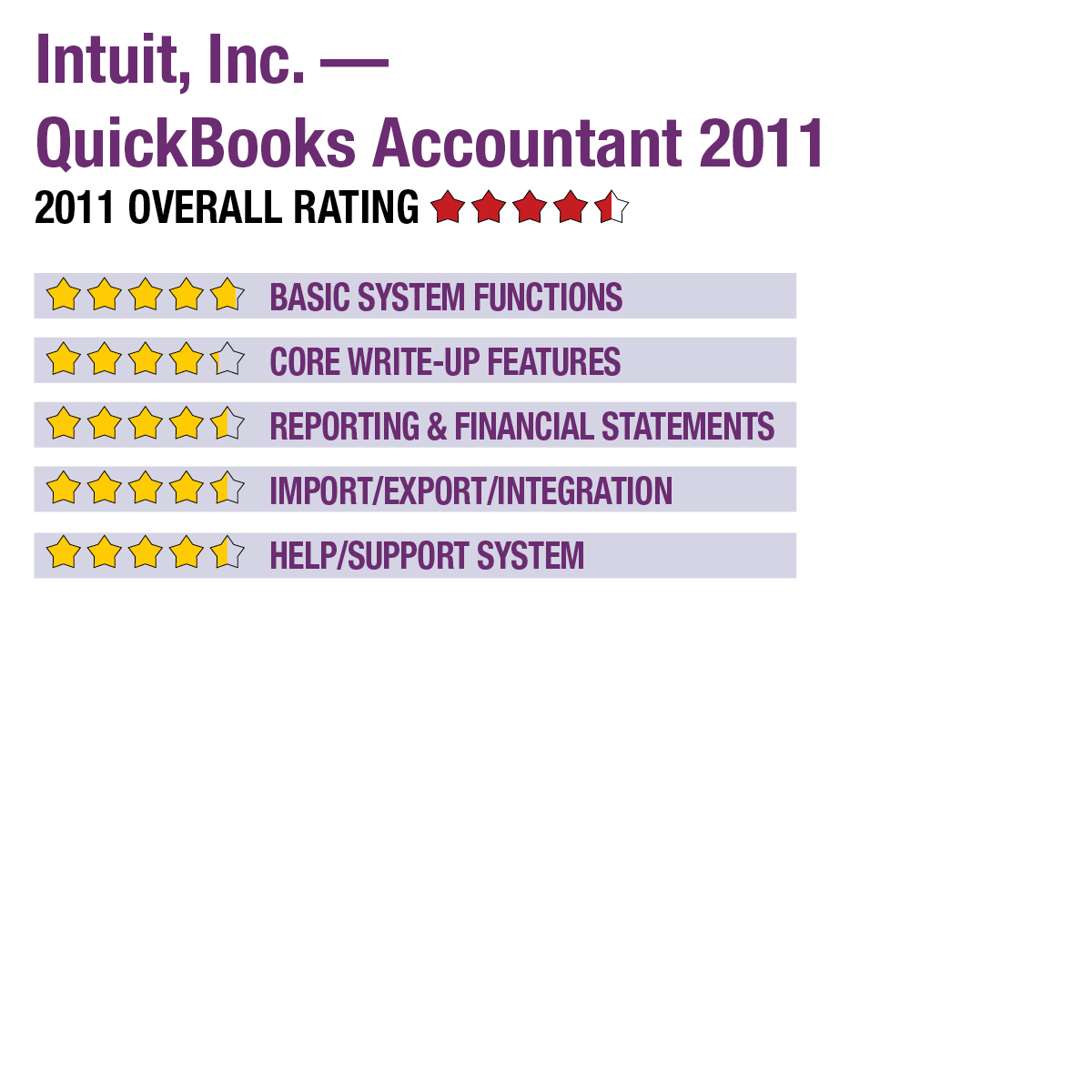
Basic System Functions:

Whether or not a firm is already using QuickBooks in-house, most professionals have used the system at some point over their career, making it familiar to most users. The Accountant version uses the same standard work screens, navigation tools, menu structures, drilldown capabilities and features as the other Premier versions of QuickBooks, along with functions specifically designed for professional firms managing any number of client businesses. New for 2011 is the ability to open two company files concurrently using the Multi-Instance feature.

Initial setup of firm data and each client is aided by program wizards and other tools, including the ability to quickly copy charts of accounts structures from other companies, or use templates based on industry type. The main interface for the program shows a workflow diagram with clickable icons for primary system functions and areas, with central dashboards for functions related to clients and customers, vendors, employees, and managerial oversight. Each of these home screens includes additional navigation options, making the program very intuitive to navigate. The management home screen includes customizable at-a-glance views of key data such as sales, income, account balances and alerts.

QuickBooks Accountant can be used by up to five users at the same time, with security functions allowing administrators to modify user access rights to specific clients or specific tasks. The system includes several alert features that notify users of tasks, program issues and other functions, and can be received via email or via a message in the program interface.

Core Write-Up Features:

The professional tools available in QuickBooks Accountant include full GL, AP, AR, check writing and management modules. A new tool is the File Manager, which offers customizable company file management options. The File Manager identifies the version of QuickBooks used to create and store a client’s data file. It helps accountants better manage the version and file formats used in the different versions and editions of QuickBooks. The File Manager can also be set to allow access to all company files with a single password.

With the Client Data Review function, users can automate many data-entry fixes and can make batch edits to data files, such as reclassifying transactions, invoice write-offs, fixing inventory discrepancies, performing bank reconciliations and clearing undeposited funds. Reconciliation tasks are performed on screens that display balances and notes. Additional tools include the ability to identify changes to account balances, make adjusting entries, and find added, changed, deleted or merged list items.

This content continues onto the next page...