2012 Review of SmartVault — SmartVault

SmartVault, Inc. - SmartVault
866-674-6785

www.SmartVault.com

From the January 2012 Review of Client Portals.


Best Fit:

Professional firms and also businesses wanting a web-based document management system that includes client portals and integrations with common small business applications.

Strengths:

  • Integrated Toolbar for QuickBooks
  • Customizable firm and client-side branding
  • Familiar expandable folder structure
  • User-by-user access right customization
  • Automated synching to desktop or server folders
  • Support for most mobile devices

Potential Limitations:

  • File retention and deletion processes are manual


SmartVault initially came into the market in 2008, but the system has undergone significant enhancements and expansion since then. Initially, it was designed as a tool to help get clients to go more paperless, by adding a toolbar into QuickBooks that let accountants and their clients attach receipts, invoices and other documents to transactions. But the system quickly grew in popularity and now can be integrated with several small business bookkeeping systems to provide greater document management and collaboration between firms and clients.

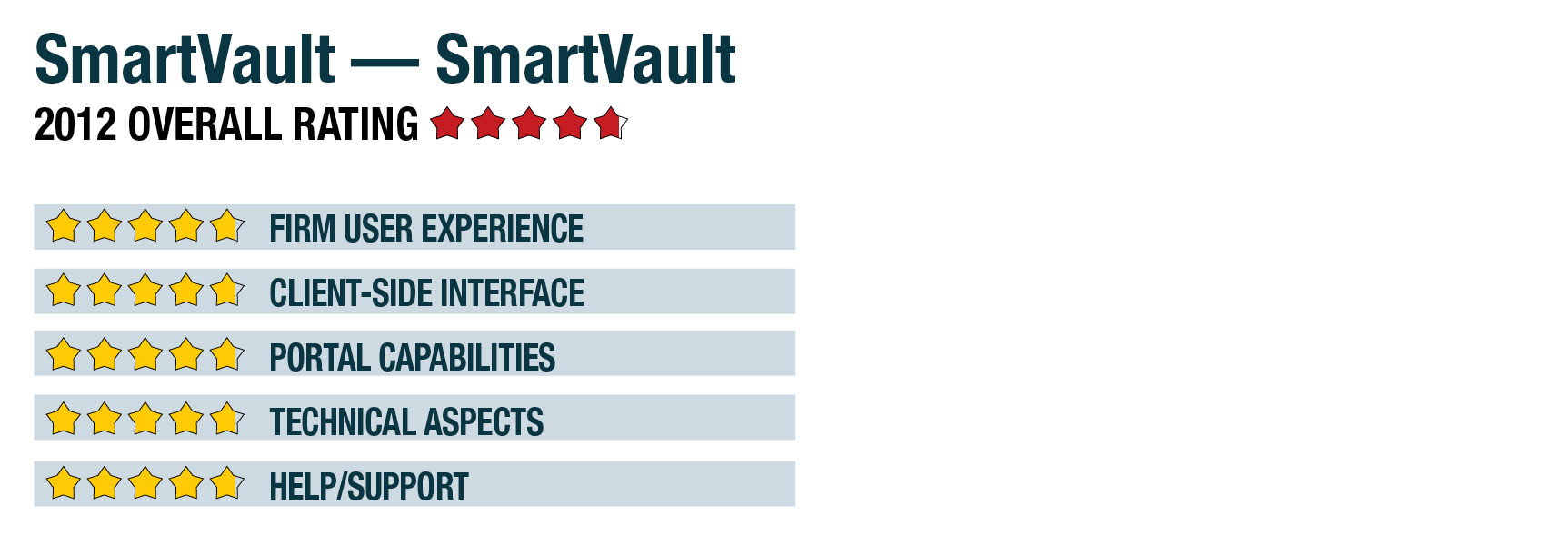
Firm User Experience - 4.75 Stars

SmartVault is both a document management system for the firm as well as a client portal application that enables secure document sharing. When initially setting up the system, the administrator user defines system defaults and settings, and creates other users, each of whom can be set to have different access rights and functions. The Professional version reviewed here includes five full-access users (with the ability to add more) and can support any number of client portals with access to any number of users at each.

For firm staff, the portal opens in their browser a document management-like utility, which uses a split screen that displays the firm’s expandable folder menu on the left. The top-level folders represent the accounts that a user has, if more than one. This accommodates users who manage multiple companies as well as multi-partner firms that wish to keep their functions, processes and documents separate. All of the portals can be custom branded to show linked firm logos and contact information. And in the case of managing multiple accounts, each can have their own branding. Emails sent from the system to clients can also be branded with firm information.

Within their account, firm users can set up completely customizable folder and subfolder structures to meet firm needs, such as creating folders for internal firm documents. They can also setup client folders and subfolders that can reflect engagements, years, or client departments or locations. Clients can also be grouped by partner or other factor. Folder templates can also be set up to ensure consistency, i.e., every time a new client is brought on, a template can be used to create a common folder structure across all clients. Users can create personal vaults for storing documents and images. When any folder or one of the subfolders from the expandable menu is selected, the panel to the right shows the individual files it contains. An additional panel shows the amount of remaining online storage space the firm has and offers links to portal account tasks and resources.

Each of the folders offers tools for managing user permissions and security, allowing users to give access to specific folders and documents to only certain users at a client. Notifications can also be configured by vault and by folder, allowing users to receive automatic email notifications when files have been uploaded or downloaded to folders to which they have access. A full-text search feature allows users to search for files using keywords. Commonly stored documents include tax returns, financial statements, bank statements, budgets and engagement letters.

This content continues onto the next page...