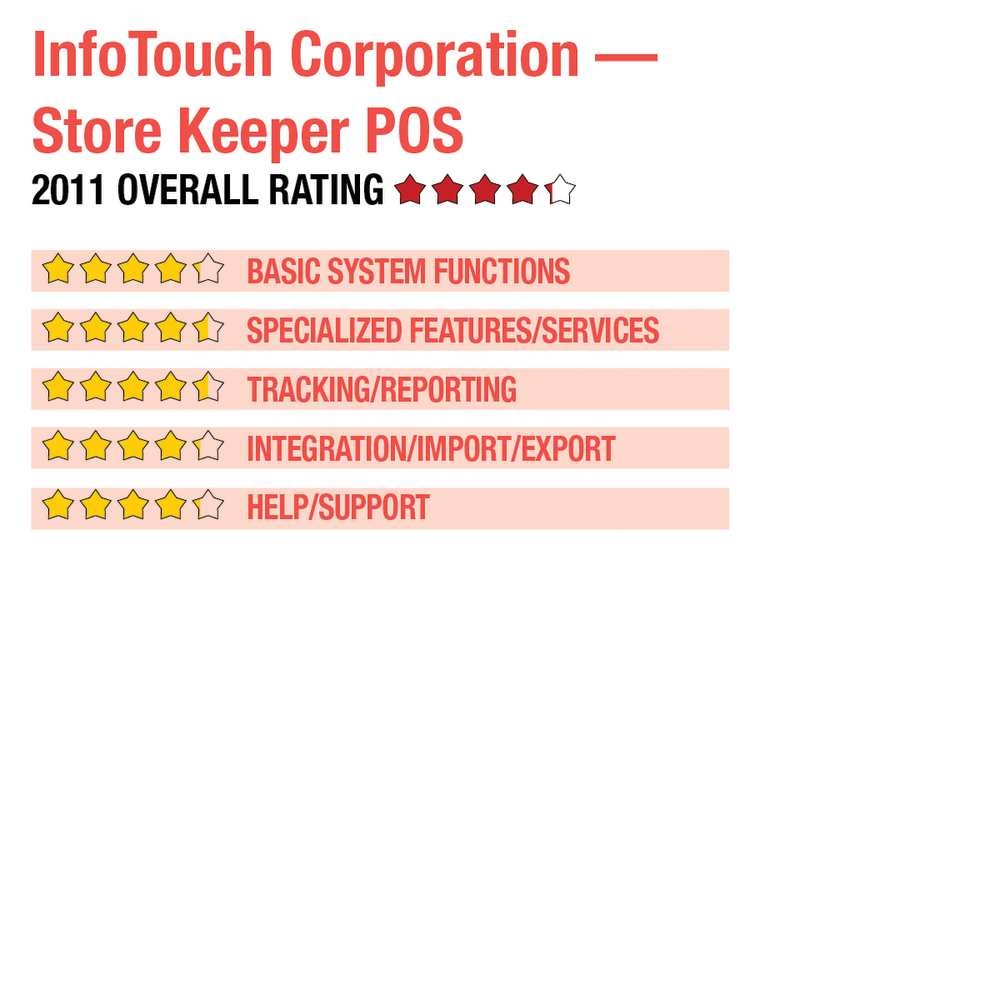
2011 Review of InfoTouch Corporation — Store Keeper POS


InfoTouch Corporation — Store Keeper POS
800-678-8682
www.infotouch.com

From the August 2011 Review of Retail Point-of-Sale Systems

Best Fit: Store Keeper is a good fit for smaller retail establishments with only one location, but who still desire a custom user interface for use with touch-screen monitors. The vendor also offers Store Manager for multi-location shops.

Store Keeper POS from InfoTouch Corporation is a POS product aimed at small retailers with a single location. For retailers with more than one location, Store Manager from InfoTouch is also available. Both versions of the software offer a series of pre-defined templates designed for specialty retail markets. Store Keeper is a good fit for smaller retail establishments that do not have more than one location, but who still desire a custom user interface for use with touch-screen monitors.

BASIC SYSTEM FUNCTIONS:

Strengths

  • Highly customizable touch-screen technology
  • Easy to setup & use
  • Good customer tracking capability
  • Flexible pricing levels
  • Solid employee module tracks time & salary/bonus/commissions

Potential Limitations

  • Does not offer e-commerce support
  • No integrated shipping options
  • Single store use only; must upgrade for multi-store capability
..

Store Keeper’s main screen contains a series of buttons that offer quick access to all installed functions, including POS, Inventory, Customers and Employees. Setup is easily accomplished with the use of tabs throughout the screen, and a list of related functions found to the right of the screen. A special training mode is available so store data won’t be corrupted as employees are trained. The POS register is fully customizable, with users able to arrange register buttons as desired. A series of user-defined buttons are located at the top of the screen and can be added as needed. A running total of all entered transactions is displayed directly beneath the menu bar, with quick sale buttons to the left of the screen and access to other system functions such as products, inventory and departments located to the right of the screen. Tender buttons can also be set up to simplify and speed sales processes.

Along with the POS module, Store Keeper POS offers Inventory, Customers, Employees, Purchase Orders and Reports modules. For single retailers looking to expand to another location, they can easily upgrade to the more powerful Store Manager POS, which offers multi-store capability.

Store Keeper POS provides two levels of security: plan based, which allows managers to determine the level of system access to assign to each employee, and hierarchal, which creates different levels of security (up to eight), with all employees assigned to a specific security level. Store Keeper’s user interface is designed for efficiency so users can easily process sales transactions as well as customer layaways, sales orders, accept payments on account or even process special orders.

The system is fully customizable, with specialty templates included. All default descriptions and even button sizes are fully customizable, as well. Lookup fields are found throughout the POS register, with cashiers able to quickly access product and customer information with the touch of a button. Notes specific to each customer can be easily entered while processing a sale, which is ideal for targeted marketing. Mail and catalog orders can be processed, and users can even set up a separate button for even quicker processing. Store Keeper POS allows users to assign up to nine different price levels for each product. Product cost can also be changed at the register, if necessary, and all inventory products can have up to 10 different vendors assigned for more competitive ordering choices. Purchase orders can be automatically created when stock levels reach minimum levels. More advanced POS features such as custom vertical market templates, multi-store support, and additional payment processing options are available in Store Manager POS.

This content continues onto the next page...