
Small Business
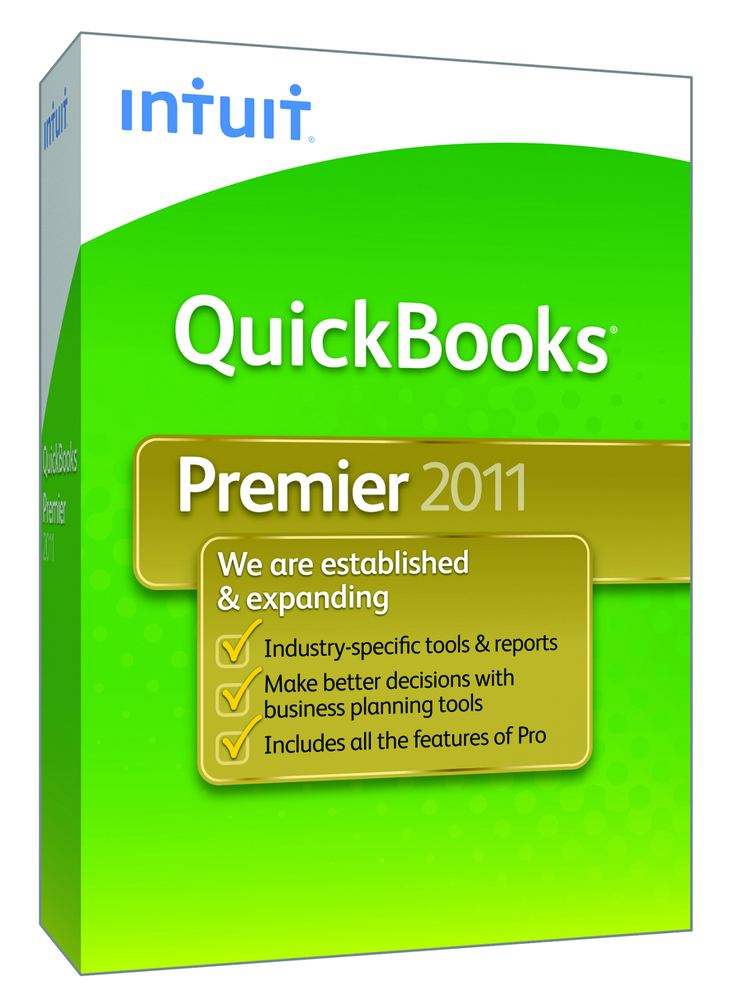
Intuit — QuickBooks Premier 2011
Sep. 05, 2014
2011 Overall Rating 4.5
877-683-3280
www.intuit.com
Best Fit:
Targeted at accountants who support non-accountant business owners who maintain their own books.
Strengths:
- Ease of use & large install base, which means more end users will have experience with the application
- Strong accountant program with good training & referrals to certified ProAdvisors
- Company Snapshot improvements enable instant dashboard reporting
- Excellent industry-specific add-ons
- Client Data Review & Accountants Copy simplify cleaning up client books
- Canadian & UK versions available with multiple currencies supported
Potential Limitations:
- Inventory supports only Average Cost valuation
- Intuit Statement Writer is an extra charge, even to ProAdvisors
- Date-driven system means non-standard fiscal reporting & budgeting periods (e.g. 4-4-5) are not supported
- Power user options like import of transactions are difficult
- Perceived ease of use means many end users implement without consulting their accountant, often causing reporting problems later
- Accountant Edition supported on Windows only
Executive Summary & Pricing:
QuickBooks Premier is currently priced at $399.95 for a single-user system. A three-user system is $999.95. Intuit continues to improve this very popular product each year, making QuickBooks the natural go-to solutions for small businesses world-wide. Quick installation, easy navigation, and strong reporting functionality make this a solid product for the small business owner. The availability of industry-specific versions helps make QuickBooks even more desirable.
4.5 – Basic System Functions
4.75- Core Accounting Capabilities
4.5 – Day-to-Day Operations
4.5 – Management Features
4.5 – Integration & Import/Export
4.75 – Help/Support