
Technology
Three Apps for Mobile Professionals
Feb. 13, 2012
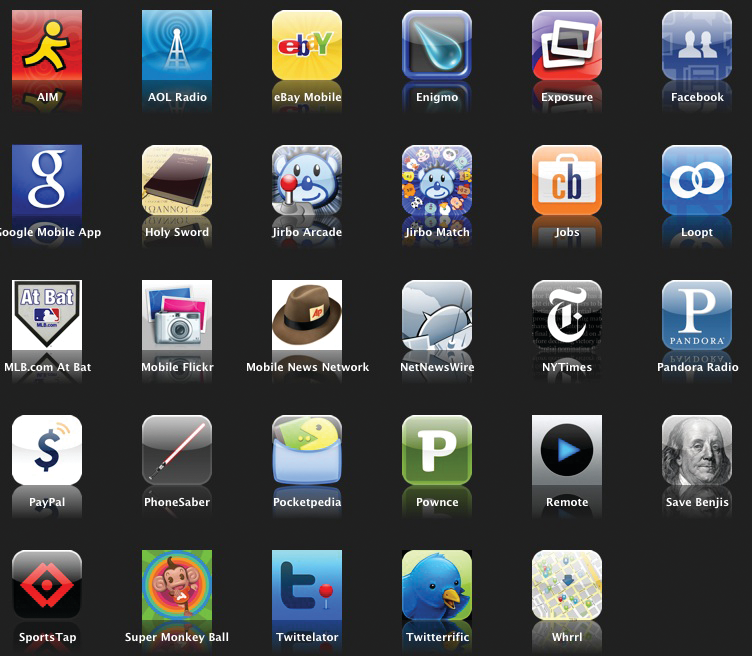
A second software revolution taking place around us is the mobile revolution, which is changing the way we work, live, and communicate with everyone in our lives. The “app economy” is changing the way software is written, published, used, and consumed by everyone and major publishers are now direct competitors with apps from startups. Individual developers can now support themselves by selling apps in these mobile marketplaces, while outsourcing the sales and fulfillment to the major marketplaces from Apple, Amazon, and Google. .
This month, we bring you three apps which can make life easier for you and your clients.
IRS2Go, a consumer-oriented free app which can help your clients find out their refund status.
Key Ring Reward Cards, a tool which will help you store all of those loyalty cards on your phone instead of carrying them around with you.
We will also discuss the Google Docs app for Android, and give you a glimpse into the future of this cloud-based service on mobile devices.
App Profile: IRS2Go 2.0
Summary: A basic tax application for practitioners and clients.
The Internal Revenue Service has created a new version of its application for users of Apple iOS and Android devices. The app allows taxpayers to check on the status of their current year refund without calling your office twice a day. Users can also order transcripts for their tax accounts directly from within the app. IRS customer service numbers are also included, and can be automatically dialed from within the app. Users can engage with the IRS by following their social media posts or subscribing to e-mail updates from within the application.
Benefits:
- Allows taxpayers and practitioners to check individual income tax refund status for the current filing year instantly, and order printed transcripts to be delivered to their address of record.
- Users can view YouTube videos and access IRS social media posts, as well as subscribe to updates on personal income tax rules from within the app.
- The “Contact Us” tab allows users to dial the appropriate IRS customer service number directly from their smartphone.
Potential Limitations:
- Tax updates through here are designed for a general audience, so the topics may be somewhat simplistic for practitioners.
- Tool is not designed to assist with taxes other than income taxes, nor is it designed to make any kind of tax payments.
- Does not have strong integration with the IRS website, nor does it provide links to IRS e-Services for practitioners, publications or forms.
|
|
Operating Systems: iOS, Android
Publisher: Internal Revenue Service
Publisher’s Website: www.irs.gov
Price: Free
App Profile: Key Ring Reward Cards
Summary: A helpful tool for simplifying your wallet.
Over the last twenty years, many retailers have established customer loyalty cards which allow us to receive special rewards based on our past purchases. Many of us lose out on discounts because we do not (and cannot) carry all of these cards. Key Ring Rewards Cards is an app for smartphones and tablets which stores these bar codes on your smartphone, with free cloud-based data backup. The software will create a barcode similar to the one included on the original card which can be scanned by the cashier directly from the phone screen.
This tool can also be used to retain other types of barcodes, including gym passes, membership cards, and almost any other identification number.
Benefits:
- Allows you to participate in loyalty plans without carrying all of the cards, as well as share your loyalty cards with your spouse and children for maximum savings and rewards.
- The app turns the camera on your smartphone into a barcode scanner which can automatically read the data on loyalty card barcodes.
- Cloud-based backup allows you to easily populate your data on a new device without having to rescan all of the cards.
- Custom coupons from some stores can be presented to you from within the mobile app.
Potential Limitations:
- Some scanners are unable to recognize the barcodes rendered on the smartphone screens.
- Application will not work with programs which utilize technologies other than barcodes (e.g. RFID, magnetic card readers) to store and retrieve identifying information.
- There are some potential privacy concerns associated with a third party having all of your membership numbers.
Operating Systems: iOS, Android, BlackBerry, Windows Mobile
Publisher: Mobestream Media
Publisher’s Website: www.keyringapp.com
Price: Free
App Profile: Google Docs App for Android
Summary: An interesting tool for web-based collaboration.
Although Google Docs is thought of as a weak replacement for Microsoft Office, there are situations where it can be used much more easily than some of the tools which use native Microsoft Office apps. The collaboration features within Google Docs are much easier to configure than Microsoft alternatives like Microsoft SharePoint, Microsoft Office365, or Windows Live SkyDrive. Although Google Docs is not appropriate for some information, it is an excellent tool for non-confidential real time collaboration with other users on the go.
Benefits:
- The new Android version of Google Docs includes offline editing, for those rare occasions when your mobile device can’t get online.
- Documents composed or edited on mobile devices can be retrieved and edited from within the Microsoft Office applications for Windows using the Google Cloud Connect add-in.
- Google Docs provides simple sharing of information with other users, and includes advanced features like automatic saving, version control, and tools for organizing your data.
Potential Limitations:
- The Google environment’s security and privacy are a concern to many, as Google will not certify that their environment and complies with regulatory requirements such as HIPAA and Gramm-Leach-Bliley. Google will also not certify that stored data is encrypted at rest. Many employers will not want copies of confidential data stored on Google’s servers, and there is not a simple way to password protect individual files and still retain the ability to edit the documents on a mobile device.
- There are limitations on the size of documents in Google Docs, and many large or complex documents cannot be accessed. Commonly used Microsoft Office features such as Excel PivotTables, automatic tables of contents in Microsoft Word, and connections to external databases (e.g. mail merges) are not supported.
- Formatting is inconsistent, and all large documents tested had significant differences in how the document was rendered in the Windows version of Microsoft Office and Google Docs.
Operating Systems: An App is available for Android devices, but there is also a mobile version of the web application (http://docs.google.com) which can be used on other devices, including BlackBerry, iOS, Linux, and Windows Mobile.
Publisher: Google
Publisher’s Website: www.google.com/mobile/docs/
Price: Free