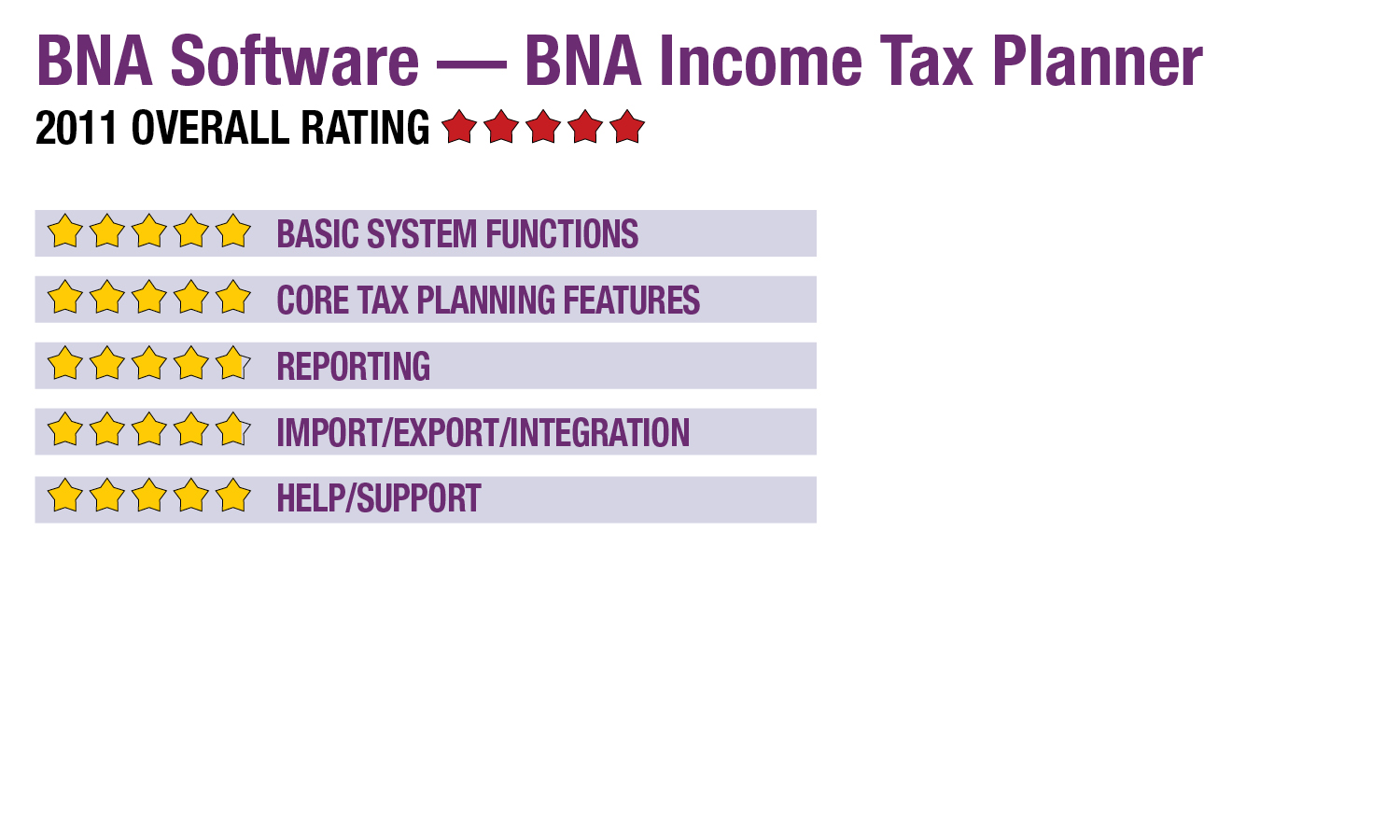
2011 Review of BNA Software — BNA Income Tax Planner

BNA Software - BNA Income Tax Planner
800-424-2938

www.bnasoftware.com 

 From the November 2011 Review of Professional Tax Planning programs.

Best Fit:

Practices offering individual income tax planning services to clients with varying needs, up to and including high net worth individuals with significantly complex income channels and assets.


Strengths:

  • Intuitive interface & navigation
  • Comprehensive tax calculations & analyses
  • Up to 20 side-by-side comparisons
  • Excellent reporting & graphical customization
  • Data integration with top tax compliance systems


Potential Limitations:

  • BNA doesn’t offer 1040 compliance


BNA has long been one of the most recognized names in tax, accounting, regulatory and legal information and analysis. Its software division produces several programs designed for asset management, estate and gift tax planning and compliance, sales and use tax compliance, and individual tax planning. The BNA Income Tax Planner can manage even the most complex taxation scenarios, offering quick calculation of prior and future liabilities, with built-in formulas for AMT, inflation, phase-ins and phase-outs, and planning for all states.

Basic System Functions - 5 Stars

After installation, the system’s interface opens directly into a new planning document, with a default main worksheet that offers three-year views for two separate cases/scenarios. The worksheet offers a spreadsheet view, with columns displaying planning years and rows for the various components of an individual tax return, including filing status, personal exemptions, income types, deductions, AMT, capital gains, farm income, foreign income, state taxes and other items.

Users can drilldown to more detailed sheets, or can add worksheets from an extensive menu on the left side of the screen that includes expandable selections for very specific activities, incomes, credits and deductions. This includes Keoghs, educational interest income and domestic production activities, passive and MAPRRA, real estate exemptions to AMT, and recent credits such as for residential improvements, 2008 Recovery Rebate, first-time homebuyer and the “making work pay” credit.

While working within client plans, the program can be set to automatically perform calculations. System icons across the top of the work screen allow users to attach notes, increase or decrease selected fields on a percentage or dollar basis, or lockout columns from changes. Users also have quick access to a summary report, and can easily sort worksheets by federal, state and other types. For client selection lists, BNA Income Tax Planner uses the basic Windows file structures.

BNA Income Tax Planner can be installed on workstations or networked servers, as well as with terminal services or Citrix for remote access within a firm. The program can support any number of concurrent users and can manage any number of clients, with the ability to password-protect individual client files. Customization options include calculation settings, screen appearance, colors and client letter templates.

Core Tax Planning Features - 5 Stars

BNA Income Tax Planner can plan for up to 20 years and can be used to manage up to seven modes of analysis, including years within cases, cases within years, adjustments, differences, taxpayer-spouse, minor child and annualization. Scenarios/cases are displayed side-by-side, allowing users to quickly see the results of changes in liabilities as data is entered, with drilldown for detailed supporting worksheets. It can do prior-year calculations as far back as 1987. The number of years planned, different case types and those displayed simultaneously can be managed using the Assumptions menu.

The system includes support for planning combined parent and minor child calculations, AMT, AMT rules for children, alternative capital gains, farm income averaging, underpayment penalties, retirement contributions, lump sum taxes with five- and 10-year forward averaging, and other factors. It can also print estimated payment vouchers. Selection lists make it easy to quickly change filing status to see comparative differences in filing as MFJ or MFS, as well as filing as a qualified widow, head of household, or for trusts and estates.

This content continues onto the next page...