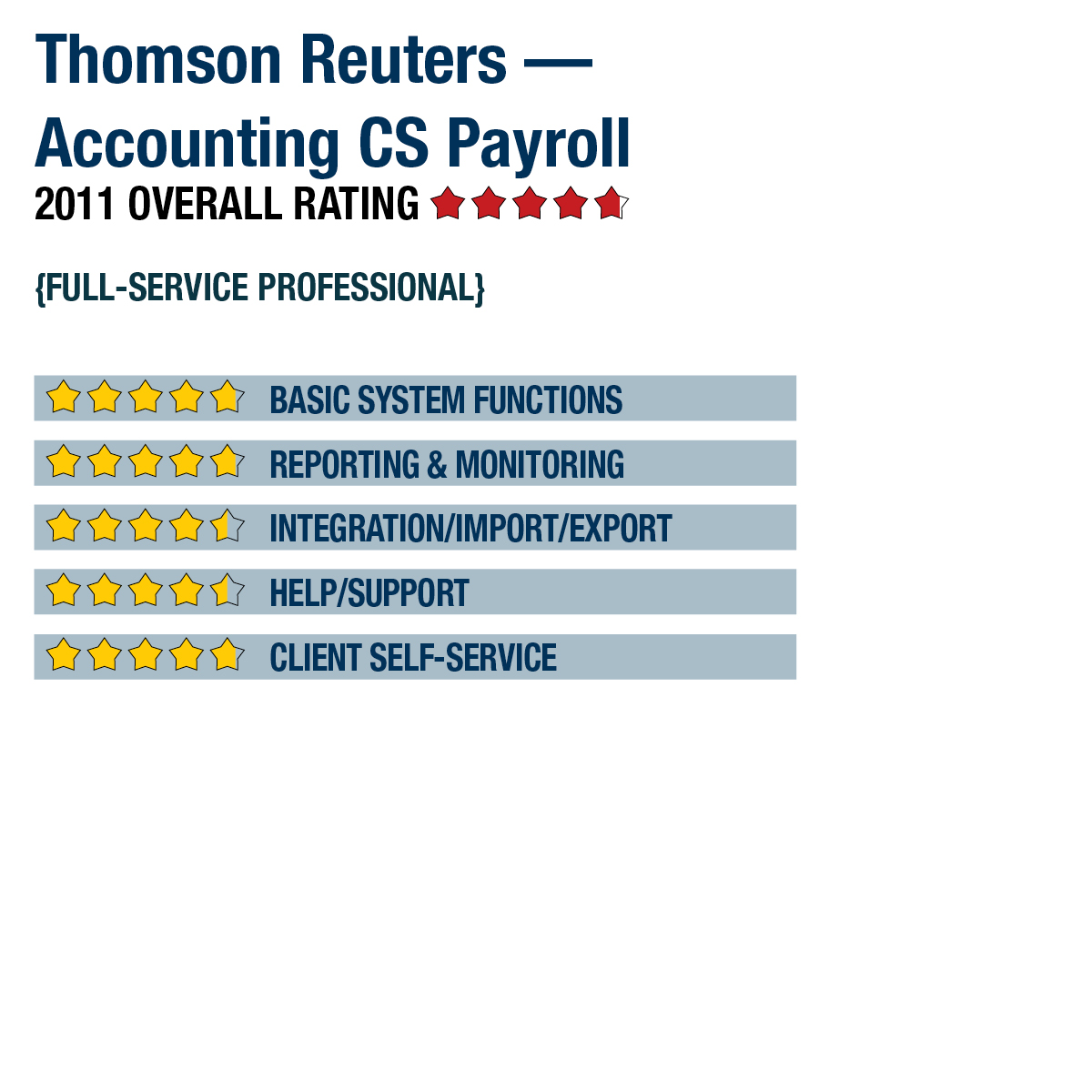
2011 Review of Thomson Reuters — Accounting CS Payroll


Thomson Reuters - Accounting CS Payroll
800-968-8900

CS.ThomsonReuters.com 

Best Fit Accounting firms who use the Accounting CS application to work with clients on payroll and bookkeeping, as well as accounting professionals who use other CS Professional Suite tools for accounting, tax or document management.

From the Sept. 2011 Review of Professional Payroll Programs

Accounting CS Payroll is intended for accounting professionals who process large volumes of payroll for clients. Initially released in spring of 2010, the system is designed for quick data entry and can handle a variety of simple or complex payroll needs.

Strengths

  • Uses combination of SaaS & hosted technologies to facilitate collaboration between clients & accounting professionals; integrates with Virtual Client Office & Virtual Office CS.
  • Part of the Thomson Reuters CS Professional suite of applications, which offers a wide range of productivity solutions for accounting professionals who serve multiple clients.
  • Existing payroll reports can be modified & custom reports created to meet almost every reporting need. Reports can be seamlessly exported to PDF, Excel, be made available to clients via client portals, or stored in FileCabinet CS.
  • Payroll data can be imported from QuickBooks or Excel; time data can be brought in from Thomson Reuters web portals, time clock or Excel files. W-2s created with Accounting CS Payroll are automatically imported into client tax returns in UltraTax CS.

Potential Limitations

  • Does not interface with accounting software other than Accounting CS, QuickBooks or Excel.
..

BASIC SYSTEM FUNCTIONS:

Accounting CS Payroll may be installed on a standalone computer, in a network environment or as a hosted solution through Thomson Reuters. Navigation is intuitive, and users of the Thomson Reuters CS Professional Suite of applications will immediately note several similarities, as the system was built on the same platform and database structure as Practice CS. Each screen is designed for quick and easy data entry. Multi-user licenses are available, and users can simultaneously access the same file. This allows staff members to perform payroll and accounting functions at the same time.

Accounting CS Payroll opens to the default dashboard, which details all state and local tax authorities currently setup within the system. This provides a quick reference for upcoming due dates and filing requirements for each jurisdiction. The dashboard is fully customizable and may contain a variety of Help resources, Internet pages, product updates and notification information.

Users may easily toggle between clients using a drop-down client listing at the top of the screen. This allows users to perform multiple tasks on multiple clients without the time-consuming chore of opening and closing client files. The payroll process consists of importing employee time information through a variety of available methods and reviewing the resulting payroll calculations. Prior to running the payroll, a report is available to show cash needs and allows for adding, adjusting or removing employee paychecks as necessary. An after-the-fact payroll feature is included and allows gross-up payroll entry for client checks. All data is entered through a spreadsheet-style worksheet and is directly integrated into the appropriate monthly or quarterly tax forms.

All federal, state and most local payroll taxes are supported. When setting up clients, users may access a location feature within Accounting CS Payroll that identifies taxes and taxing authorities associated with the company’s location. This feature automatically adds appropriate tax jurisdiction authority and payment information to a company file in Accounting CS Payroll, which may quickly be added to new or existing employees with little user effort. Each client file may contain an unlimited number of employees, with each employee paycheck containing an unlimited number of pay rates and deduction items. Each employee paycheck may be assigned to multiple locations or departments and may be allocated by percentage or hours worked. Direct deposit is included in the licensing costs and includes support for an unlimited number of bank and investment accounts. Prepaid debit cards are available and may be used by employees for an additional fee arrangement through a variety of financial institutions.

This content continues onto the next page...