
Payroll
CompuPay — XpressPayroll
Aug. 10, 2011
877-729-6299
www.compupay.com
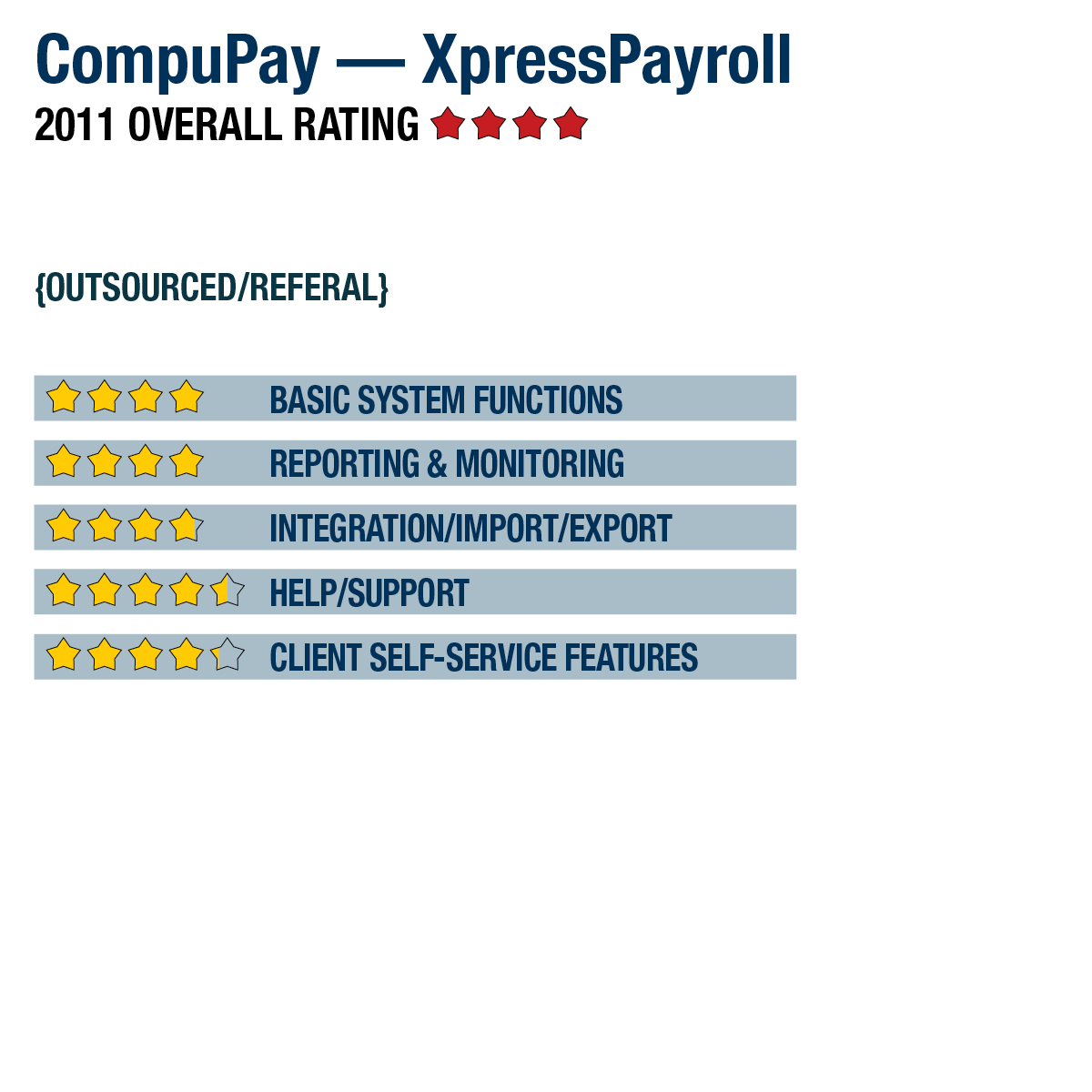
2011 Overall Rating 4.25
Best Fit
The XpressPayroll for Accountants wholesale version is a good fit for accounting professionals who want to work with client payroll without implementing an in-house payroll application or preparing payroll tax returns. It’s also designed for organizations with a total of five or fewer paid employees in one state.
Strengths
- Each company comes with a single client login, along with optional accountant access.
- Reports & websites in the wholesale version can be branded with the accounting firm’s logo.
- Flat-fee monthly pricing ($35/mo. for monthly payroll) makes costs predictable.
- Clean user interface provides quick efficient payroll processing.
- Included employee self-service portal (PayView) can be configured to allow pay stub and W-2 download for all employees, as well as company-wide reporting for owners & managers.
Potential Limitations
- Does not support after-the-fact payroll processing.
- No online Help or knowledgebase available, although there is phone & e-mail support.
SUMMARY & PRICING
With the simple interface, high level of customer support and rich feature set, XpressPayroll provides a quality solution for both micro businesses and accounting professionals managing multiple clients (through XpressPayroll for Accountants). Pricing for the payroll services is a flat fee and is charged per month based on the payroll frequency. Monthly pricing starts around $35 for monthly payroll, $55 for semi-monthly and bi-weekly payroll, and $80 for weekly payroll.
Product Delivery Methods
___ On-Premises
_X_ SaaS
___ Hosted by Vendor
Basic System Functions 4
Reporting & Monitoring 4
Integration/Import/Export 3.75
Help/Support 4.5
Client Self-Service Features 4.25