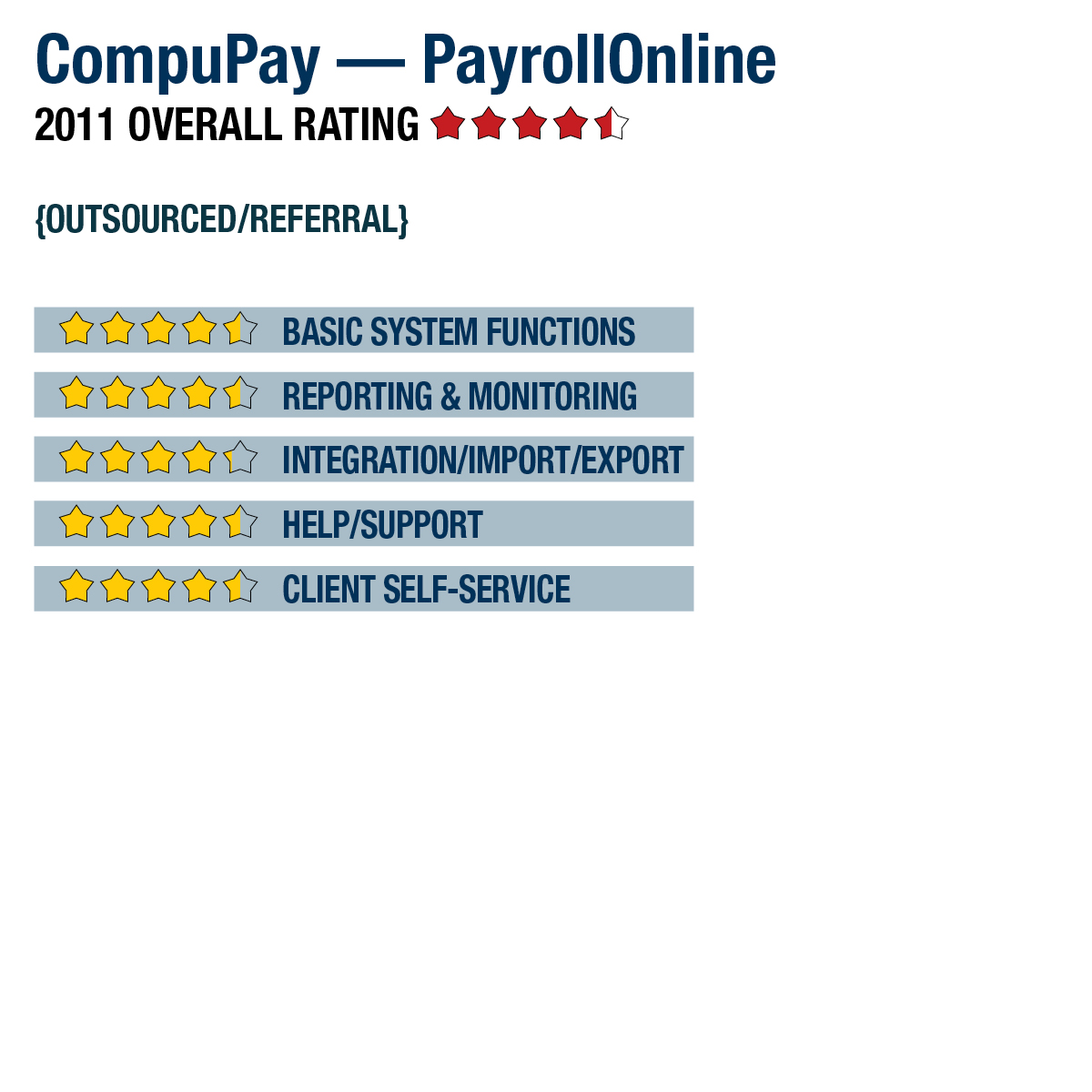
CompuPay — PayrollOnline


CompuPay - Payroll Online
877-729-6299
www.compupay.com

Best Fit: Accountants or companies who need a web-based payroll application with outsourced tax filing and payment processing services. Also, firms or organizations who need to manage payroll for multiple companies using a single login, but who do not have a full-time payroll or HR staff person.PayrollOnline is the premier online payroll solution offered by CompuPay and is available in three editions. Each of the three editions, Basic, Advanced and Premier, build on each other in functionality. All editions of PayrollOnline are exclusively web-based and are fully outsourced payroll solutions that all for the processing of all required tax payments and reports.

From the Sept. 2011 Review of Professional Payroll Programs

Strengths
  • Offers all-inclusive full service payroll with support for unlimited application users with no additional charges beyond the per-employee, per-pay run pricing plan.
  • Advanced features like employee multiple state withholding, certified payroll reporting, job cost reporting, custom reporting tools, benefit accrual calculation support, general ledger export & 401(k) reporting are included in some versions.
  • Included employee self-service portal can be configured to allow pay stub & W-2 download, as well as online changes to address, dependents & W-4.
  • Offers HRIS tracking and reporting capabilities and a report writer
Potential Limitations
  • Direct import of employee time data is not supported without using Excel or text files.


..

BASIC SYSTEM FUNCTIONS: '

PayrollOnline is an Internet-based payroll solution that can be accessed through any modern Internet browser. To access PayrollOnline, the standard user name and password combination is needed. Unlimited users are allowed to access the service at any time, and user rights can be as strict or relaxed as needed. Accountants or those with multiple companies can attach multiple clients/companies to one user login. Menu options are selected from a sliding menu on the left side of the screen. Once clicked, each logically grouped menu option expands to reveal further options. On-screen data entry is logically presented, but can also be customize to various client needs.

PayrollOnline requires clients to submit payroll documentation prior to starting the service. CompuPay uses this information to frontload all pay rate descriptions, deductions, current vacation/sick time accruals, and employee demographic information. This process helps ensure that setup is done correctly so users can start processing payroll immediately upon logging in to the service. Any maintenance, such as adding or removing employees or changing deduction descriptions, can be done by the user at any time.

The payroll process is guided through a five-bullet online checklist. Each bullet directs users to the next appropriate step within the process and includes a checkmark once each step is completed. PayrollOnline supports unlimited employees under each business license. All state and local jurisdictions are supported, and employees can have multiple states attached to their paychecks. Multiple pay rates, pay frequencies and unlimited deductions are also allowed for each employee paycheck. Deductions taken through employee checks can also be set at intervals different than their normal pay frequency. This allows for deductions to be taken in full from the first paycheck of the month and not the second paycheck, such as with a semimonthly pay frequency. All payrolls, regardless of frequency, can be submitted within one batch. Manual checks can also be issued and attached to a future payroll batch.

All above functions are included under all editions of PayrollOnline. Additionally, direct deposit, with support for up to 99 bank and investment accounts and the ability to assign up to five cost centers, is also included. The Advanced and Premier editions of PayrollOnline add functionality for benefit accruals, 401K reporting, general ledger (GL) integration and custom report writing. The Premier edition supplements these features with advanced tools, including support for certified payroll reporting and job cost tracking.

This content continues onto the next page...