
CCH Small Firm Services — Client Accounting Suite & Client Accounting Suite Premier
Aug. 04, 2011
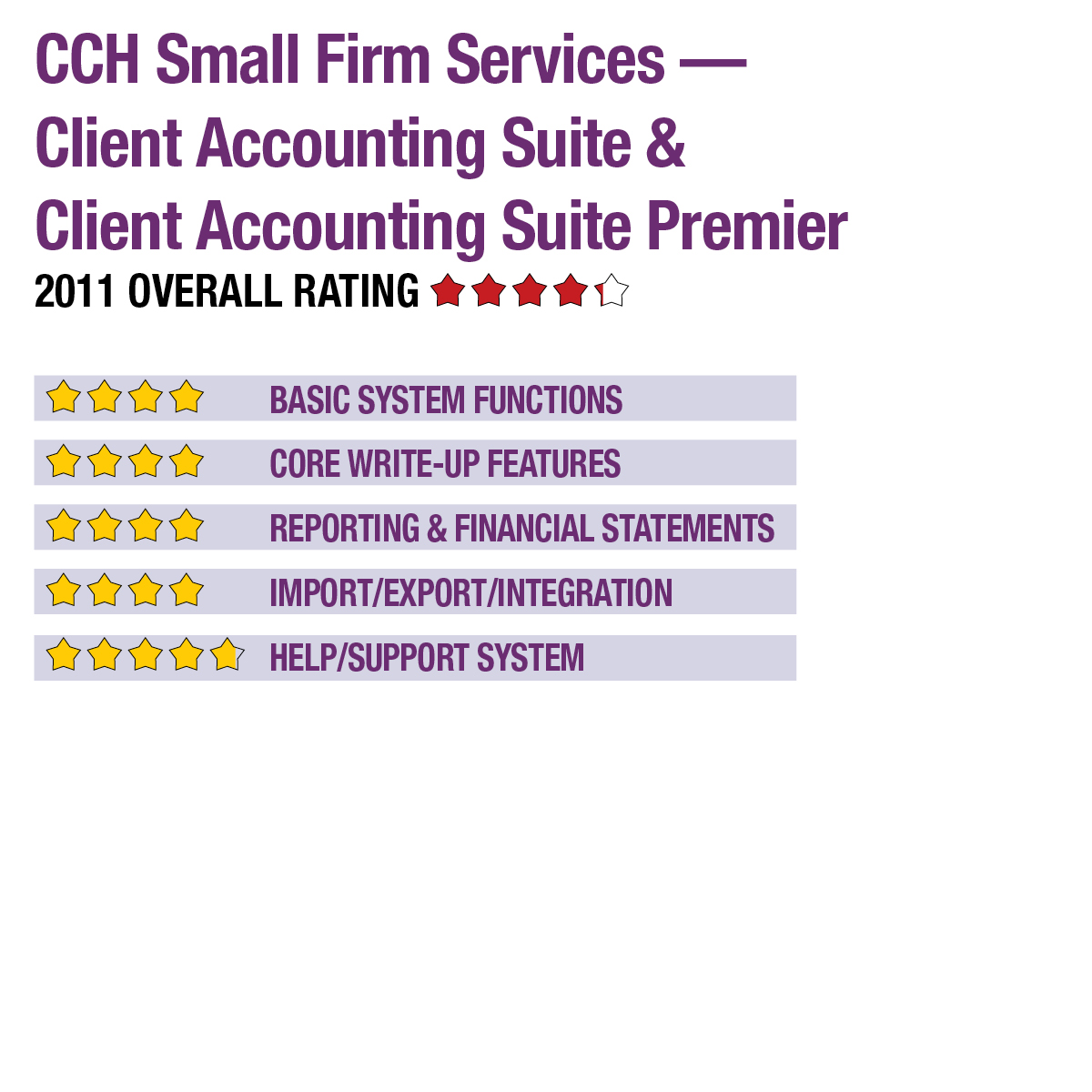
2011 Overall Rating 4.25
Best Fit:
Firms using the ATX or TaxWise tax and workflow products who want an easy-to-use write-up package with after-the-fact payroll reporting, financials generation and optional live payroll are a match with Client Accounting Suite. CCH ProSystem fx Tax and Practice Management users are supported with a special integrated version, Client Accounting Suite Premier.
Strengths:
- Simple interface with strong small business software import
- Integrates with ATX & TaxWise tax and workflow systems
- Includes trial balance utility
- Flexible templates & financials reporting with bilingual capabilities (English/Spanish)
Potential Limitations:
- No bank statement import for reconciliation
- No client portal or collaboration tools
- Basic check writer functionality
Summary & Pricing
Client Accounting Suite is geared toward management of generally smaller business entities, but the program’s features, particularly in batch processing of journal entries, recurring entries, ratios and its financial statement generation functions, are adept for virtually any business’ needs. The program is best suited to users of ATX and TaxWise, offering solid integration and data transfer into those tax packages, but can be used as a standalone write-up utility, as well. Client Accounting Suite costs $520 for a site license usable by all in the practice. Client Accounting Suite with the live payroll option costs $795.
Product Delivery Methods
_X_ On-Premises
___ SaaS
___ Hosted by Vendor
Basic System Functions 4
Core Write-Up Features 4
Reporting & Financial Statements 4
Import/Export/Integration 4
Help/Support System 4.75