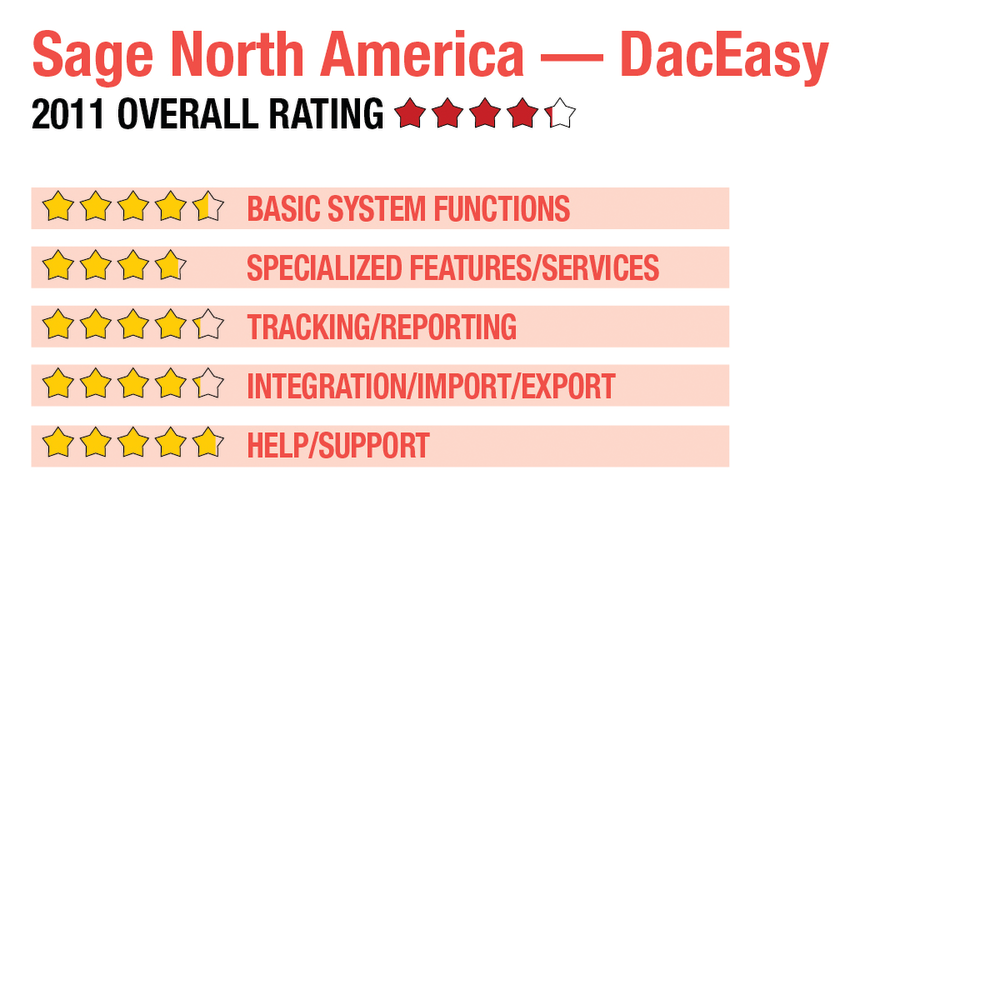
2011 Review of Sage North America — DacEasy
Sage North America - DacEasy
800-322-3279
www.daceasy.com
From the August 2011 Review of Retail Point-of-Sale Systems
Best Fit: Well-suited to smaller businesses that also require POS capability, DacEasy is a good front/back office solution to businesses that offer products for sale but do not handle hundreds or thousands of transactions daily.
DacEasy, from Sage North America is an entry-level accounting product with a strong POS module. Designed for smaller businesses that do not process a high level of transactions, DacEasy can also be used as a stand-alone product. Completely integrated with the accounting modules, DacEasy is a good front/back office solution to businesses that offer products for sale but do not handle hundreds or thousands of transactions daily.
|
BASIC SYSTEM FUNCTIONS:
DacEasy now features an intuitive user interface that makes great use of workflow guides for quick navigation. Users can easily access all DacEasy modules from the drop-down menu bar at the top of the screen, or set up a customized list of workflow options. Users can design the interface screen to suit their needs, and can make the POS module the default screen. The Sales Register Entry in DacEasy’s POS module is easily navigated, data entry possible using a mouse or the keyboard. Receipt numbers are automatically assigned, and customer history can be easily accessed. Accessing a customer will bring up a message box for any number of designated reasons, including credit limit display, along with a notice when the credit limit has been reached. The message box also provides the option to override credit limit totals, and continue or cancel the sale. Users can choose the type of transaction, including sale, AR payment, quote or layaway. These transactions can all be completed from the main POS entry screen.
Along with the POS module, DacEasy also contains integrated Accounting, Payroll and Order Entry modules. The accounting module contains standard accounting functionality (GL, AR, AP) along with Inventory and Banking. These modules are easily accessed from the POS interface at any time so users can look up available inventory, purchase order status, or a more detailed customer history. A column of function buttons to the right of the sales screen offer additional entry options such as layaway, delete, close, etc. Purchase order numbers can also be entered in the sales transaction.
System preferences can be set for all POS users, including the ability to check customer credit, override overdue balance notices, and allow AR sales. Managers must set up users in the system prior to using with system parameters designated as needed. DacEasy’s new design also offers a series of system dashboards that can be displayed on demand, including a comprehensive Sales dashboard and Customer dashboard, both handy reporting tools that provide a quick view of daily activity. Lookup fields are located throughout all system modules, and retailers with multiple stores can easily set up DacEasy for use between locations. Users can assign promotional pricing to products in inventory, and items can be easily stored and tracked in multiple warehouses. The sales register entry screen processes multiple types of transactions, including split tenders and refunds. DacEasy also offers a high level of customization capability, all designed to streamline data entry whether using the POS module or any of the other included modules.
SPECIALIZED FEATURES/SERVICES: 
- « Previous Page
- 1
- 2
- Next Page »