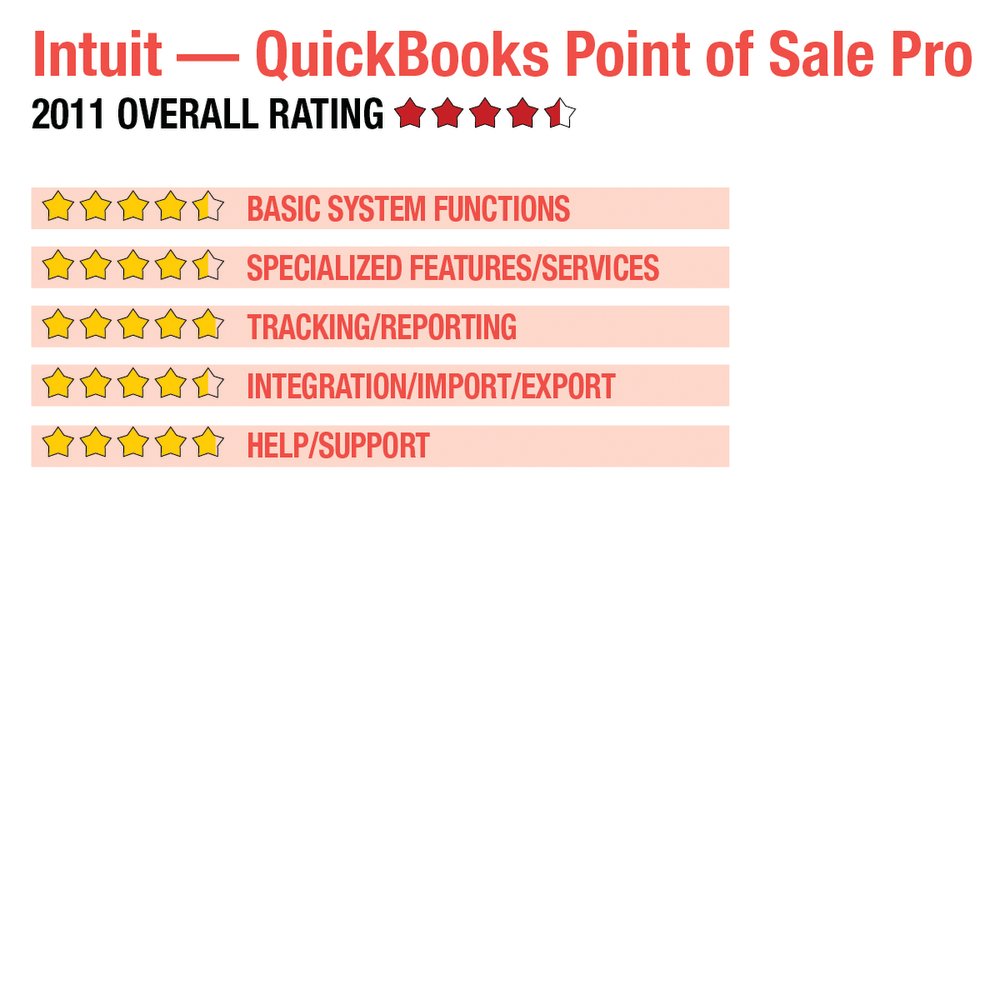
2011 Review of Intuit — QuickBooks Point of Sale Pro
Intuit — QuickBooks Point of Sale Pro
866-379-6636
www.quickbooks.com
From the August 2011 Review of Retail Point-of-Sale Systems
Best Fit: QuickBooks offers smaller retailers a solid, affordable POS product, in two editions, that contains several top-notch features normally found in more sophisticated products. Smaller retailers will appreciate the level of features found in QuickBooks POS.
QuickBooks offers smaller retailers a solid, affordable POS product that contains several top-notch features normally found in more sophisticated products. Users can choose from two versions: Point of Sale Basic and Point of Sale Pro. A free version of the POS software is also available that will ring sales and accept payments. QuickBooks products are designed for the smaller business owner who used to fall through the cracks when software companies made products designed for much larger businesses. The smaller retailer will appreciate the level of features found in QuickBooks POS.
BASIC SYSTEM FUNCTIONS: 
|
Like all QuickBooks products, the POS product installs easily and offers the option to customize the entry screen. Wizards located throughout the product make it easy to set up retail businesses and to actually utilize the product before all the data has been entered. It only takes minutes to create a new company, and data can be entered at any time. Users only have to enter the information needed to start using the product.
The QuickBooks POS user interface has been streamlined, with the result being a more intuitive entry screen and much less in the way of clutter. The menu at the top takes users to POS, Customers, Inventory, Purchasing, Employees, Financial and Reports. The Make a Sale screen allows for entering or scanning item information, and contains easy lookup functionality. Cashiers can also search for customers or add a new one when making the sale. To the left of the POS entry screen is a series of tabs that cashiers can choose from, including Quick Pick Items, a series of inter-related items that are set up for quick entry.
Managers can create groups of employees and assign system rights based on group assignments. Access rights can be edited by the manager, and new groups created if necessary. A fully customizable dashboard provides management with important details such as current and prior year sales figures, best selling items, department sales graph, and sales over time. QuickBooks POS Pro can track and maintain data for up to 20 different store locations, and can easily track and transfer inventory between locations. Along with processing sales transactions, the main POS entry screen can also process returns and exchanges, and provide customer and product discounts. Multiple pricing levels are available for all products entered into inventory, and e-commerce capability is available as a product add-on that is designed to work with both QuickBooks financial products and QuickBooks POS products.
SPECIALIZED FEATURES/SERVICES: 
The latest version of QuickBooks POS includes touch-screen technology, making sales entry even more streamlined. As previously noted, Intuit offers several e-commerce enabled applications that are designed to integrate with the POS products. Payment methods accepted include cash, check, credit card, debit/ATM, account, gift certificate and gift card. Tender options can be chosen under preferences during setup.
- « Previous Page
- 1
- 2
- Next Page »