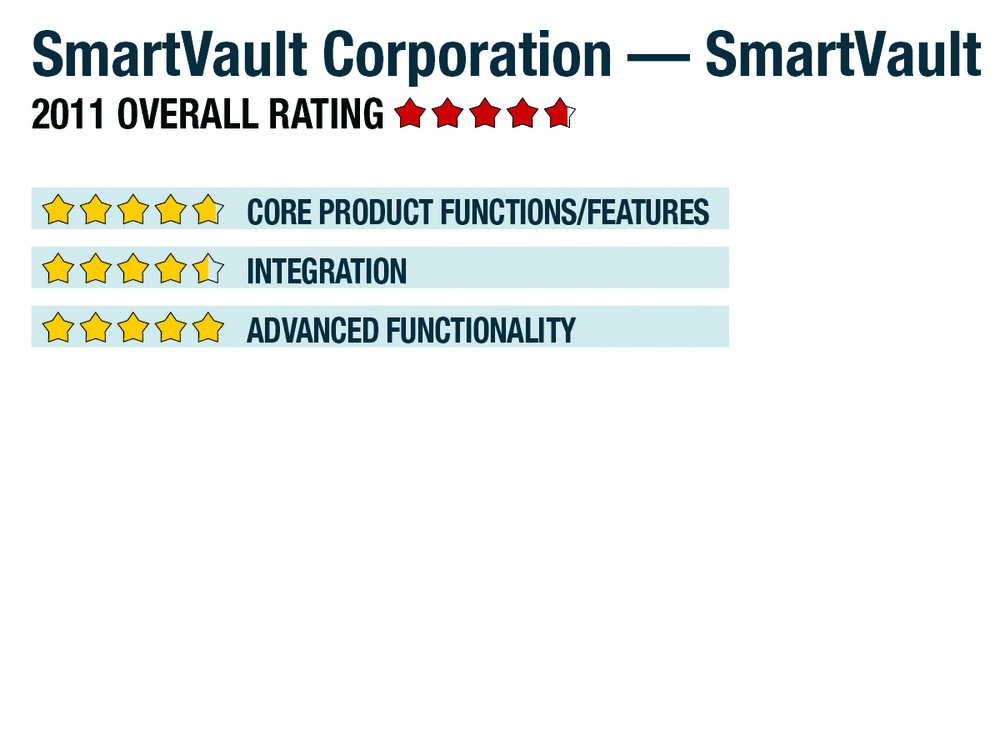
SmartVault Corporation — SmartVault
SmartVault Corporation - SmartVault
713-479-5400
www.smartvault.com
From the July 2011 Review of Document Storage Systems
Best Firm Fit:
The nature of the SmartVault model positions it as a solution that can be utilized in any organization. The existing integration with QuickBooks increases its value in firms that use QuickBooks.
Core Product Functions/Features: 
SmartVault is designed and delivered as a 100% SaaS solution accessed through a user’s browser. The nature of SmartVault is to provide users with a solution for securely storing and sharing documents online. Users can access files from a web portal or by mapping a drive to SmartVault so that it serves as an extension of a user’s Windows Explorer file structure. With this design model, it is very easy to get up to speed on SmartVault.
Two alternative views are available for accessing SmartVault content from the web portal: files and folders view and the advanced view. The files and folders view is intended for use by a firm’s staff, clients and authorized third parties to access documents and files online. One benefit of this interface is that it is common to all internal and external users, which helps to streamline the training process.
|
In the folders and files view, users can upload, download and view files to which they have been given permission to access. Users can also send links to SmartVault files to other users. The advanced view is designed for “account owners, managers and administrators.” This view allows the user to view, create and modify the folder structure and provide access permissions to other users (internal and external) as appropriate.
Firms have the ability to create the folder structure to meet their needs, which is very similar to Windows Explorer. Templates can be created and replicated as necessary. For example, a firm might want to set up a folder structure for tax clients differently from the structure for audit clients. Users with Adobe Acrobat can print and save to SmartVault using the Adobe PDF Driver.
Integration: 
The methodology that SmartVault uses to integrate with other applications is through a feature that allows for mapping a SmartVault folder just as a user would map to a network drive. With this feature, firms can save and retrieve files to/from SmartVault in the cloud just as they would store and retrieve files from a local drive through Windows Explorer. As a result, SmartVault provides integration indirectly with all Windows applications through the file save and retrieve functions. Additional integration is provided through the SmartVault Toolbar. This toolbar provides the option to store and review files directly from within QuickBooks. The new SDK (software development kit) allows other application providers to embed SmartVault’s document storage capabilities within their applications. Users benefit from storing their documents in the cloud, which gives them the ability to access their documents securely from a variety of applications or devices, 24 hours a day, 7 days a week.
SmartVault supports integrated scanning with any TWAIN compliant scanner and has a unique integration with the Fujitsu ScanSnap line of scanners.
Advanced Functionality: 
All files are transferred to and from SmartVault over an encrypted channel that uses AES-256 SSL to protect their data.
- « Previous Page
- 1
- 2
- Next Page »